

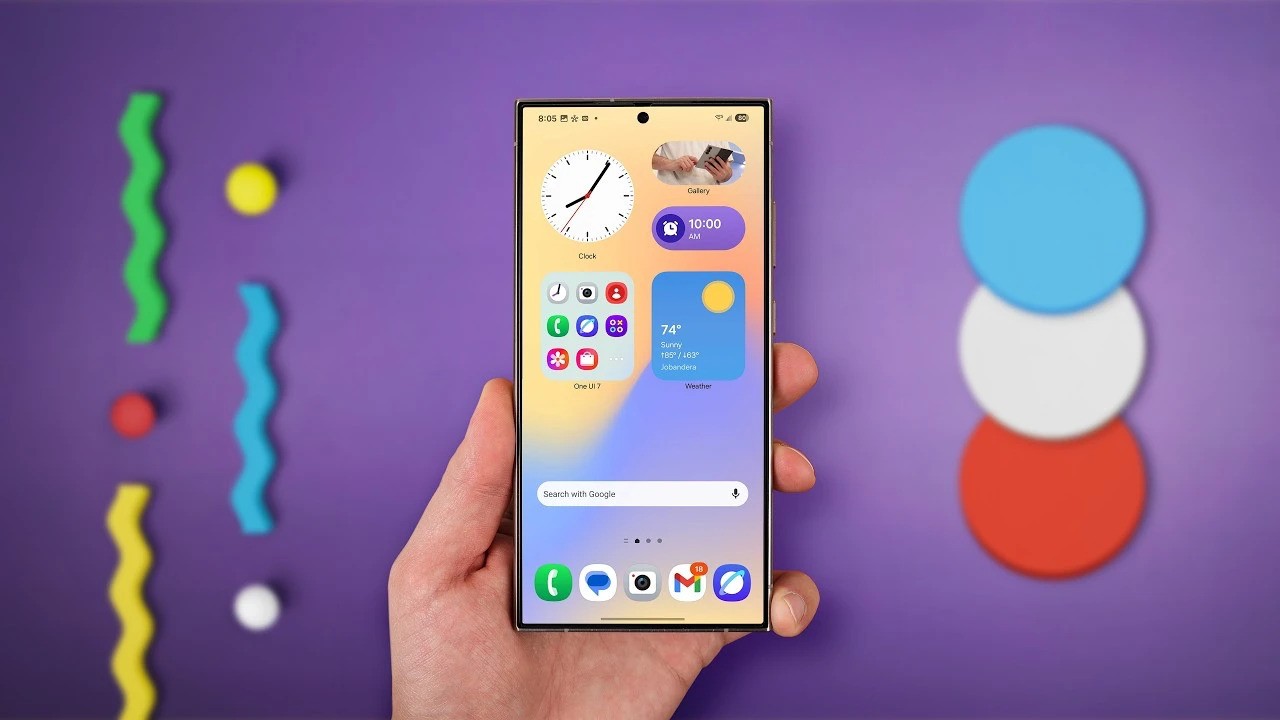
Samsung’s One UI 7 and the Now Bar: Redefining User Experience with AI Integration
Samsung’s One UI 7, based on Android 15, is currently in beta testing. The company has shared some exciting new features. One major addition is the Now Bar, Samsung’s version of Apple’s Dynamic Island. In addition to this, Samsung also unveiled the Personal Data Engine, which focuses on improving privacy. Together, these features highlight Samsung’s commitment to AI-driven usability and enhanced security.
Introducing the Now Bar: The Version of the Dynamic Island by Samsung
One UI 7 introduces the Now Bar as a key feature, offering a fresh take on user interaction. This bar is similar to Apple’s Dynamic Island, but with a unique Samsung twist. Positioned at the bottom center of the lock screen, the Now Bar integrates your most-used apps and daily actions into a seamless experience. Samsung describes the Now Bar as a tool for personalization and efficiency.
What is the Now Bar?
The Now Bar offers easy access to apps and actions directly from the lock screen, without needing to unlock the phone. It serves as a central location for convenient shortcuts to your most frequent tasks. In this way, Samsung aims to enhance user convenience by streamlining daily activities.
Key Features and Use Cases for the Now Bar
Samsung’s Now Bar provides a variety of personalized, AI-driven functions. These features adapt to your habits and context, making your device smarter over time.
Control Entertainment with Ease
For example, the Now Bar allows users to control media directly from the lock screen. You can pause, play, and skip tracks with just a tap. Therefore, this feature eliminates the need to open apps for basic media controls, saving time and effort.
Track Fitness Goals and Set Personal Bests
Furthermore, the Now Bar displays real-time fitness data during workouts, helping users track their progress. It also encourages users to break personal records. In this way, you can check fitness stats quickly without unlocking the device, making your workouts more efficient.
Samsung’s Navigation and Productivity
The Now Bar also simplifies navigation. For instance, it offers directions to your destination directly from the lock screen. Whether heading to a meeting or running errands, it saves you time by avoiding the need to unlock your phone for directions.
Communication and Language Support
Additionally, the Now Bar enables quick access to messaging apps and translation tools. This makes communication easier, especially when dealing with language barriers. As a result, you can message and translate without needing to unlock your phone.
Additional Features and Personalization Options
In addition to these core functions, Samsung’s Now Bar offers a variety of contextual features that adapt to your daily activities.
- Travel and Reminders: For instance, the Now Bar might prompt you to create travel folders for quick access to essential apps. This helps you stay organized when preparing for a trip.
- Curated Travel Playlist: It also generates personalized music playlists to enhance your mood during travel. By doing so, the Now Bar elevates your experience on the go.
- Weather Forecast and Daily Recap: A simple swipe reveals the weather forecast, while the end-of-day recap summarizes your day. These features ensure you stay informed without needing to check multiple apps.
Privacy and Security: The Personal Data Engine
While the Now Bar brings innovative new features to the user experience, One UI 7 also focuses on privacy and security with the introduction of the Personal Data Engine. This engine prioritizes protecting your data through on-device processing. In contrast to cloud-based systems, it keeps sensitive information stored securely on the device, ensuring privacy.
What is the Personal Data Engine?
The Personal Data Engine improves data protection across apps, helping to keep your personal information secure. Importantly, it operates entirely on the device, preventing any exposure to external servers.
Advanced Data Encryption with Knox Vault
In addition, Samsung leverages Knox Vault, a trusted platform used to secure biometric data. This platform ensures your personal data remains encrypted, safe from unauthorized access. By using Knox Vault, Samsung strengthens the encryption process for your sensitive information.
Post-Quantum Cryptography by Samsung
To further enhance security, Samsung has added post-quantum cryptography to the Personal Data Engine. This encryption protects data from potential threats posed by future quantum computers. As a result, Samsung’s data security measures are future-proof, ensuring your privacy is safeguarded in the face of evolving technology.
Conclusion: A Smarter and More Secure Galaxy Experience by Samsung
In conclusion, One UI 7 introduces both smarter features and enhanced privacy with its new offerings. The Now Bar transforms the lock screen into a personalized control hub, simplifying user interactions. Moreover, its integration with entertainment, fitness, and navigation features makes it more efficient for everyday tasks.
On the security front, the Personal Data Engine offers robust data protection, keeping your information safe both now and in the future. Samsung’s focus on innovation, combined with its privacy-first approach, shows its commitment to creating a more secure and personalized user experience. Overall, One UI 7 promises to offer a more streamlined, intelligent, and secure Galaxy experience for its users.
For article publication inquiries, feel free to get in touch.